Confirmation of Payee stops at the border: checking an Indian vendor's bank details yourself
UK name checks and APP scam refunds cover UK bank transfers only. How to read an Indian vendor's bank details, and handle a change to them, before you pay.
The email comes from the accounts manager at the design agency you have used in Pune for two years. They have moved banks, the new details are attached, and could you use them for this month's invoice, please, as the old account closes on Friday. The signature is right and the tone is right. You open your banking app to add the new payee.
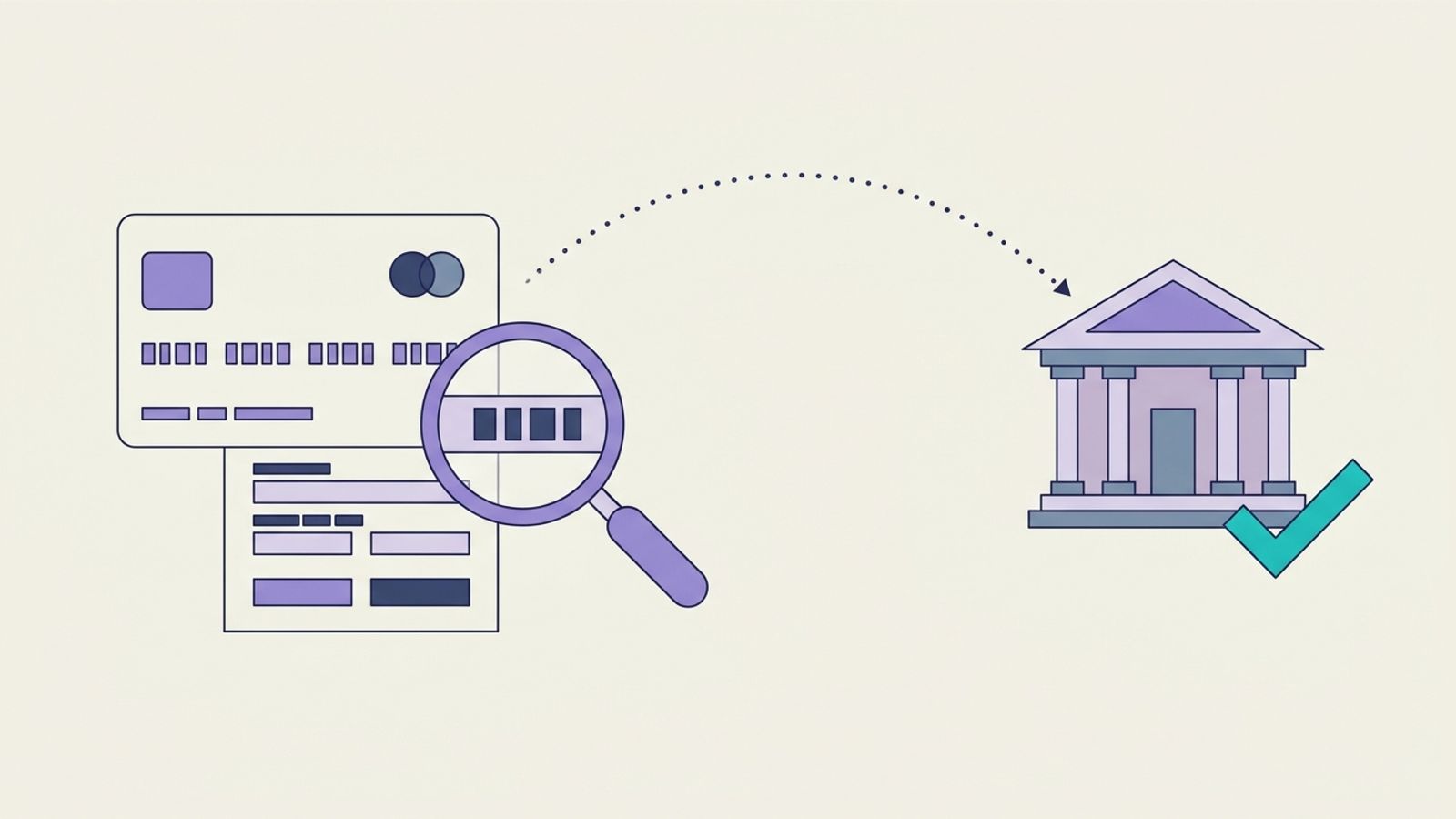
Pay a UK supplier and your bank checks the name you type against the name on the account before the money goes. Add an account in India and nothing like that happens. You type a name, an account number and two codes, and the payment goes wherever those numbers point.
This post covers which UK protections stop at the border, what the details on an Indian account should look like, and the routine that catches a fake change of bank details before you pay it.
What your bank checks at home, and what it skips abroad
Confirmation of Payee is the name check. Pay.UK, which runs it, describes it as a service for UK domestic payments: before a payment goes, it checks the account name, including whether the account is personal or business. A SWIFT payment to an account in India sits outside it, so the name you type is never compared with the name the Indian bank holds.
APP scam reimbursement is the refund rule. Since 7 October 2024, banks have had to reimburse victims of authorised push payment scams, up to £85,000 per claim, made within 13 months of the payment. The Payment Systems Regulator says these measures apply to UK bank transfers, meaning Faster Payments or CHAPS, and that they cover individuals, microenterprises and charities. A payment to India is not a UK bank transfer. And if your business is larger than a microenterprise, the rule would not cover you even at home.
| Protection | What it does | Applies to a payment to India? |
|---|---|---|
| Confirmation of Payee | Checks the payee's name and account type before a UK payment goes | No. It is a service for UK domestic payments |
| APP scam reimbursement | Refunds up to £85,000 to scam victims who claim within 13 months | No. It covers Faster Payments and CHAPS transfers between UK accounts, for individuals, microenterprises and charities |
Your bank may still help if something goes wrong, and some banks have their own policies. But on a payment to India there is no automatic name check and no regulator-backed refund behind it. The checks have to be yours.
Read the details before you type them
For a payment from abroad, expect your Indian vendor to give you the account holder's name, the account number, the bank and branch, the branch's IFSC and the bank's SWIFT code. The SWIFT code gets the payment to the bank. The IFSC is India's own branch code.
The Reserve Bank of India's NEFT FAQ sets out how an IFSC is built. It is an 11-character alphanumeric code that uniquely identifies a bank branch: the first four letters stand for the bank, the fifth character is always a zero and the last six identify the branch. That gives you two checks that take seconds:
- the fifth character is a zero, not the letter O;
- the first four letters match the bank named in the details. If the email says one bank and the code starts with another bank's letters, stop.
The RBI also publishes a bank-wise list of IFSCs, so you can confirm the code belongs to the branch you were told about. None of this proves the account belongs to your vendor. It catches typing errors and lazy fakes, which is still worth doing on every new set of details.
The name matters as much as the numbers. It should be the legal name on your contract and invoices, and a personal account for a business invoice is a reason to ask. We covered that, and the red flags the National Crime Agency lists, in our checklist for paying an Indian supplier.
Treat a change of bank details as a new supplier
Most payment diversion fraud does not start with a stranger. It starts with a supplier you already pay, whose email has been hacked or copied, asking you to send this month's money somewhere new. The NHS Counter Fraud Authority's payment diversion fraud guidance (version 3.0, July 2026) is written for NHS finance teams, but its controls for a change of bank details work for any business:
- verify the request using contact details you already hold on file, never the ones in the request, and make sure those stored details have not themselves been changed recently;
- check the stored details against another source, such as the supplier's official website;
- if a call seems suspicious, note the number and call back on the number you hold;
- look closely at the email address for small changes to the domain name;
- where the risk justifies it, ask for a bank account amendment form signed by the supplier's finance director or company secretary, ask the supplier to confirm the amount and date of their last three payments, and check the answers against your own records before you change anything.
That last point suits overseas suppliers well. A fraudster who has read one email thread can copy a signature. They are far less likely to know the amounts and dates of your last three payments. For an Indian vendor, book the call-back for the overlap in your working days: in the UK winter, India is five and a half hours ahead, so a late-morning UK call is mid-afternoon there.
Build the check into how you pay
A rule that relies on one person remembering it under deadline pressure will fail at some point. Year-end and holiday cover are when these emails tend to arrive. A few habits make it hold:
- Split the job. The person who adds or changes a payee is not the person who approves the payment.
- Hold the first payment. After any change, the next payment waits until the call-back has happened, even if the invoice is due.
- Write it down. Note who confirmed the change, how, on what number and when. It takes a minute and settles arguments later.
- Tell vendors up front. When you onboard an Indian vendor, say that you will never act on an emailed change of bank details, and that you will always call them on the number in your contract. A genuine vendor will welcome it, and it makes a fake request easier to spot.
If the money has already gone
Call your bank straight away, ask it to try to stop or recall the payment, and report it to Action Fraud. Speed matters more than anything else here, because recovery depends on the money still being in the receiving account. Our guide to tracing a payment to India explains the UETR, the payment's tracking reference, and how recalls work.
Because the payment was not a Faster Payments or CHAPS transfer between UK accounts, the APP reimbursement rule will not apply, so do not plan around a refund. Whether any of it comes back depends on the banks involved and how quickly they act.
Where Winvesta fits
With Winvesta you send one USD wire from your business account with the invoices attached, and we split it across your Indian vendors, who withdraw to their own Indian banks. There is no sender fee and no markup, and each vendor receives an e-FIRA and remittance advice.
It does not replace the checks in this post. You still decide who you pay, and a changed bank detail still deserves a phone call. Winvesta is not a UK bank account, and it does not give tax or legal advice. If you pay Indian vendors in USD and want to see whether it fits, tell us where you bank.
Frequently asked questions
Does Confirmation of Payee work for payments to India?
No. Pay.UK describes Confirmation of Payee as a service for UK domestic payments. When you pay an account in India, the name you enter is not checked against the name the Indian bank holds.
Will my bank refund me if I pay a fraudster's account in India?
Not under the APP scam reimbursement rule. The Payment Systems Regulator says it applies to UK bank transfers by Faster Payments or CHAPS, for individuals, microenterprises and charities. Your bank may have its own policy, so ask, but do not rely on a refund.
What is an IFSC and do I need one?
It is the 11-character code that identifies a bank branch in India: four letters for the bank, a zero, then six characters for the branch. Your vendor should give it to you with their SWIFT code and account number. Check that the fifth character is a zero and that the first four letters match the bank named.
My Indian supplier has emailed new bank details. What should I do?
Do not use the details yet. Call the supplier on a number you already hold, not one in the email, and confirm the change with someone you know. For larger payments, ask for a signed amendment form and the amounts and dates of their last three payments. Hold the next payment until the call has happened.
Can I check the account holder's name on an Indian account before paying?
Not through Confirmation of Payee. Confirm the name on a call with your vendor and compare it with your contract and invoices. Some payment providers run their own checks, so ask yours what it does for payments to India.