Why your Indian vendor received less than you sent
Short-paid invoice from India? Where the money goes on a SWIFT transfer, what SHA, OUR and BEN mean, and how UK payers stop it happening again.
You pay a $6,000 invoice from a development agency in Pune. You send the full amount, the payment leaves your account, and the job feels done. Three days later their finance manager emails: the money arrived, but it is short, and they would like the balance. Nobody at your bank can tell you straight away where it went.
If that has happened to you, the money did not vanish. It was taken in fees along the way, and a single setting on the payment, one you may never have looked at, allowed it. Here is where it goes and how to stop it happening on the next invoice.
Where the missing money goes
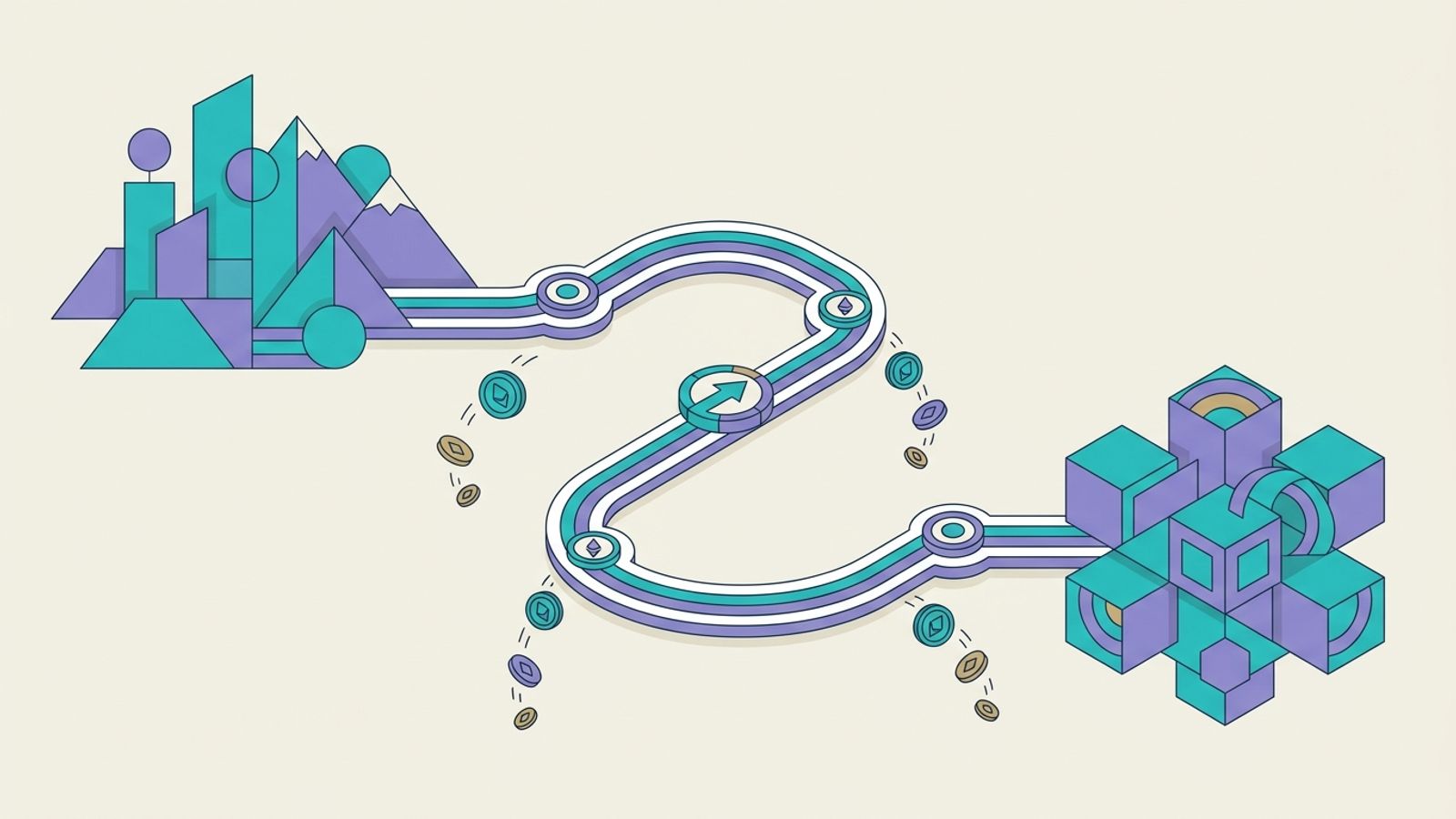
A standard international bank transfer to India travels over the SWIFT network. Unless your bank has a direct relationship with your vendor's bank, the payment is passed through one or more correspondent banks in between. Deductions can happen at three points:
- Your bank, which charges you to send the payment.
- Correspondent banks in the middle, which can take a fee out of the payment itself as it passes through.
- Your vendor's bank in India, which can charge an incoming fee before crediting their account.
Wise's help centre says the correspondent fee can be deducted at any stage, and estimates it at anywhere between 15 and 50 USD or equivalent, possibly more depending on the banks involved. Because the route is decided by the banks, you usually do not know in advance how many hops your payment will take.
Then there is the exchange rate. If you pay in pounds and your vendor is paid in rupees, somebody converts the money, and the rate they use may not be the mid-market rate you see quoted online. The gap between the two is a fee, even though it never appears on a statement as one.
The charge option on your payment decides who pays
When you send a SWIFT payment, it carries an instruction saying who bears the charges. On the payment message this sits in field 71A, with three possible values. Barclays' Business Banking International Tariff (correct as at March 2026) describes them in plain terms:
| Option | Who pays | What your vendor receives |
|---|---|---|
| SHA (shared) | You pay your bank's charges; the recipient covers charges from overseas banks | May be less than you sent |
| OUR | You pay your bank's charges plus a fixed overseas bank charge, upfront | Barclays says this makes sure the payment amount is unaffected |
| BEN | The recipient pays your bank's charges and those from overseas banks | Less than you sent |
If your vendor was short-paid, the payment most likely went out as SHA or BEN. With SHA you paid your own bank's fee and assumed the job was done, while the correspondent and receiving banks took their share from the amount in transit.
OUR is the option designed to deliver the full amount, and you pay for that certainty upfront. It is not always watertight. Wise notes that some banks still charge their own fees even where the sender has tried to cover them, and a receiving bank's own incoming charge can still apply. OUR narrows the gap; it does not always close it.
How to find out what happened to a payment
Before you top up the balance, get the facts from both ends of the transfer.
- Ask your bank for the SWIFT confirmation of the payment, often called the MT103. It shows the charge option the payment went out with.
- Ask your vendor what their bank credited, in which currency, and whether their bank's advice shows any deductions or a conversion rate.
- Compare the two against the invoice. The difference is usually a mix of correspondent fees, an incoming fee and, if the currency changed, the exchange rate applied.
This matters for more than the one invoice. If your vendor's bank converted the payment at a poor rate, OUR will not fix that. If a correspondent bank took the fee, OUR is the option designed to cover it.
How to stop short payments on the next invoice
- Agree who bears transfer charges in writing, on the contract or the invoice, before the first payment. It turns a recurring awkward email into a line item both sides expected.
- Choose the charge option deliberately. If you have agreed to pay in full, send as OUR where your bank offers it, and treat the overseas charge as part of what the invoice costs you.
- Pay in the invoice currency. If the invoice is in USD, sending USD keeps the conversion off your side of the transfer, so the figure you send is the figure on the invoice.
- Compare the total cost before you confirm, not the headline fee. The transfer fee, any overseas charge and the exchange rate together are what the payment really costs.
What specialist providers charge on the sending side
Specialist payment providers publish their sending fees, which makes the cost easier to see before you pay. The figures below come from the calculator data on our homepage, for a $10,000 invoice sent from the UK. They show what you would pay on top so that the full $10,000 reaches your vendor.
| Provider and plan | Published pricing | Fee on $10,000 |
|---|---|---|
| Wise Business | USD to INR bank-funded quote, as checked 19 Sep 2026 | $48.90 |
| Revolut Business Basic | £5 transfer fee plus 0.6% above £1,000 | $58.66 |
| Payoneer Business | From 1.2%, up to $20 minimum (lower-bound estimate) | $120.00 |
| Airwallex Business | 1% for INR, plus a fixed fee | $125.00 |
Sources: Wise, Revolut Business plans, Payoneer pricing and Airwallex pricing. Pricing varies by plan and payment details, so check the provider's own quote before you send.
How Winvesta handles it
We built Winvesta for exactly this invoice. You send one USD transfer from your business account with the invoices attached, and we split it across your Indian vendors. We charge no sender fee and add no FX markup, and every cost is shown before the payment goes out. Your vendors withdraw rupees to their Indian bank in 1–2 days and get local documentation showing the full invoice amount was paid to them.
Two things we don't do: Winvesta is not a UK bank account, and we don't give tax advice. We are live on USD to INR today. Your own bank may still charge you to send the USD transfer, so check its tariff. If you pay Indian vendors every month, tell us about your payments and we will set you up, usually the same day.
Frequently asked questions
Why did my Indian vendor receive less than I sent?
Usually because the payment went out with the SHA or BEN charge option, so correspondent banks and your vendor's bank took their fees from the amount in transit. If the currency was converted along the way, the exchange rate applied can also reduce what arrives.
Does choosing OUR mean my vendor gets the full amount?
It is the option designed for that, and you pay an overseas charge upfront for it. Some banks still apply their own charges, so it narrows the gap rather than always closing it. Check your vendor's credit advice after the first payment.
Who should pay the fees on an international invoice?
That is a commercial decision between you and your vendor. What matters is agreeing it in writing before the first payment, so neither side is surprised when the money lands.
How do I check which charge option my payment used?
Ask your bank for the SWIFT confirmation of the payment, often called the MT103. It records the charge option the payment carried.
Can I use Winvesta if my business is in the UK?
Yes. You send a USD transfer from your business account and we pay your Indian vendors in rupees. We are live on USD to INR today, and we are not a UK bank account. Get in touch to set up an account.